Managed Cloud Cluster
Find out what a Managed Cloud Cluster is.
1. What is a Managed Cloud Cluster?
A Managed Cloud Cluster (MCC) is a dedicated server on which you can create your own vServers. You can scale the cloud's physical hardware as needed and distribute it across any number of virtual systems which you can freely configure for yourself and your customers. The resources of each virtual system are scalable at any time and additional IP addresses are assigned as needed. Pre-built images are available to simplify the installation of vServers.
The servers can be linked together into a cluster using the netcup SCP software.
You can find an overview of the MCCs offered by netcup here: Managed Cloud Cluster
Viewing Booked MCCs
- Log in to the Customer Control Panel (CCP).
- Go to the Products menu item on the left.
- Under Search, select the managed Cloud Cluster category from the drop-down menu.
- Click Search. The products you've booked will then be displayed under Result.
2. Features
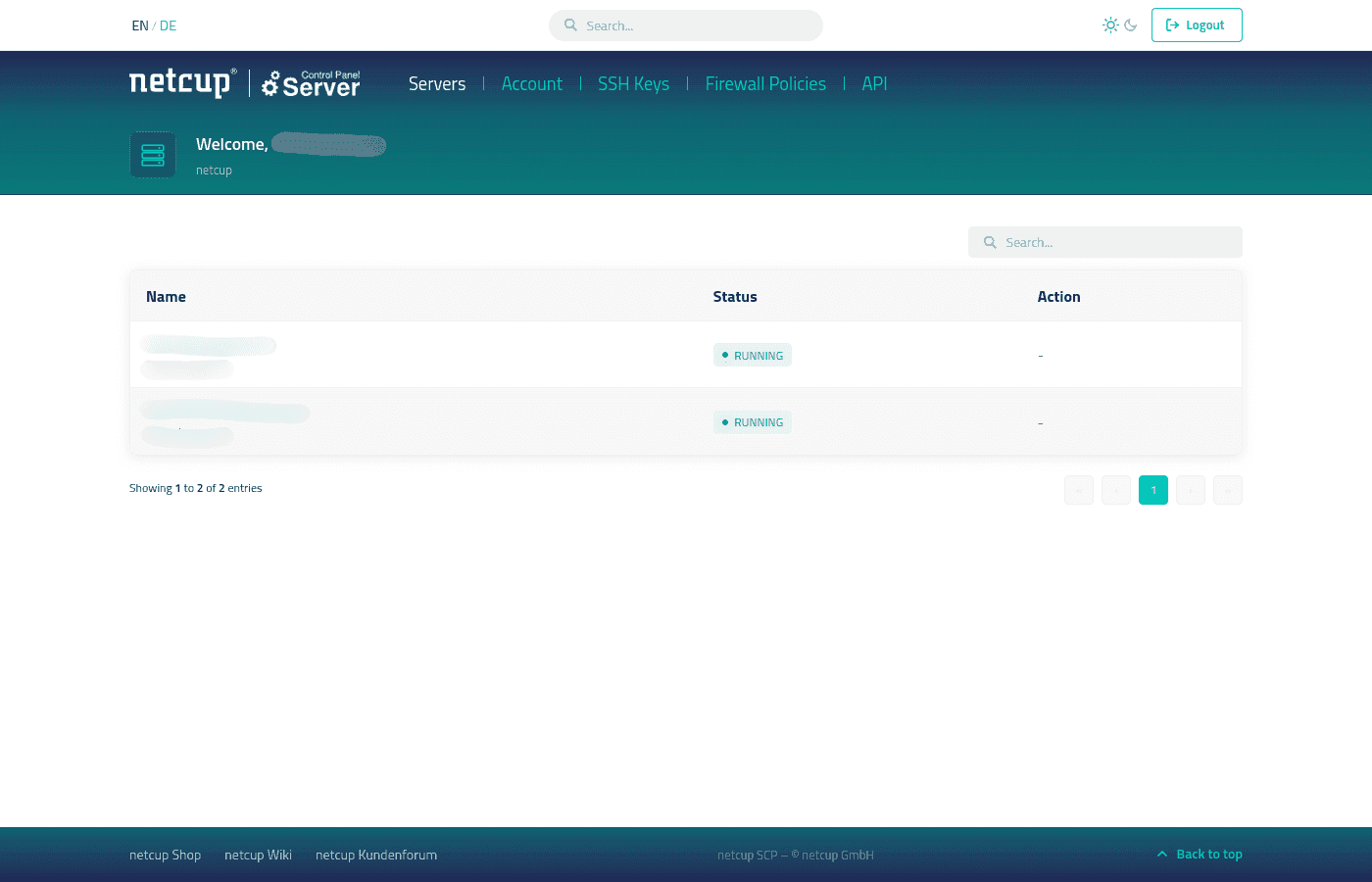
In the Server Control Panel (SCP), you can manage the servers you've booked. After logging in, click the desired server to go to the General tab and other tabs. You can find more information here: Server Control Panel Home Page